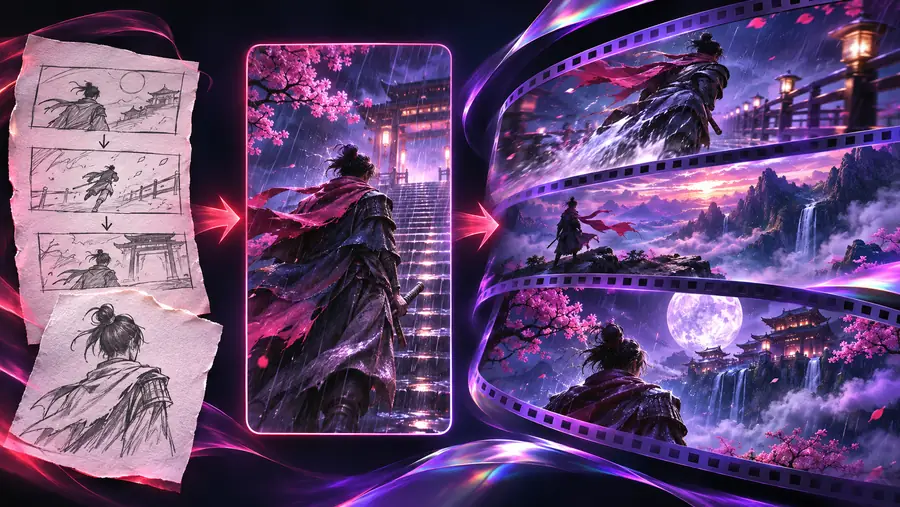
Storyboard artist
Describe the subject, setting, camera movement, and emotional beat in one compact prompt.
You get a clearer first pass that is easier to compare against the intended shot.
The roboneo ai video generator workflow starts with a precise visual brief, then moves through prompt choice, scene review, and focused refinement. Use the console to pass your starting idea into the next workspace.
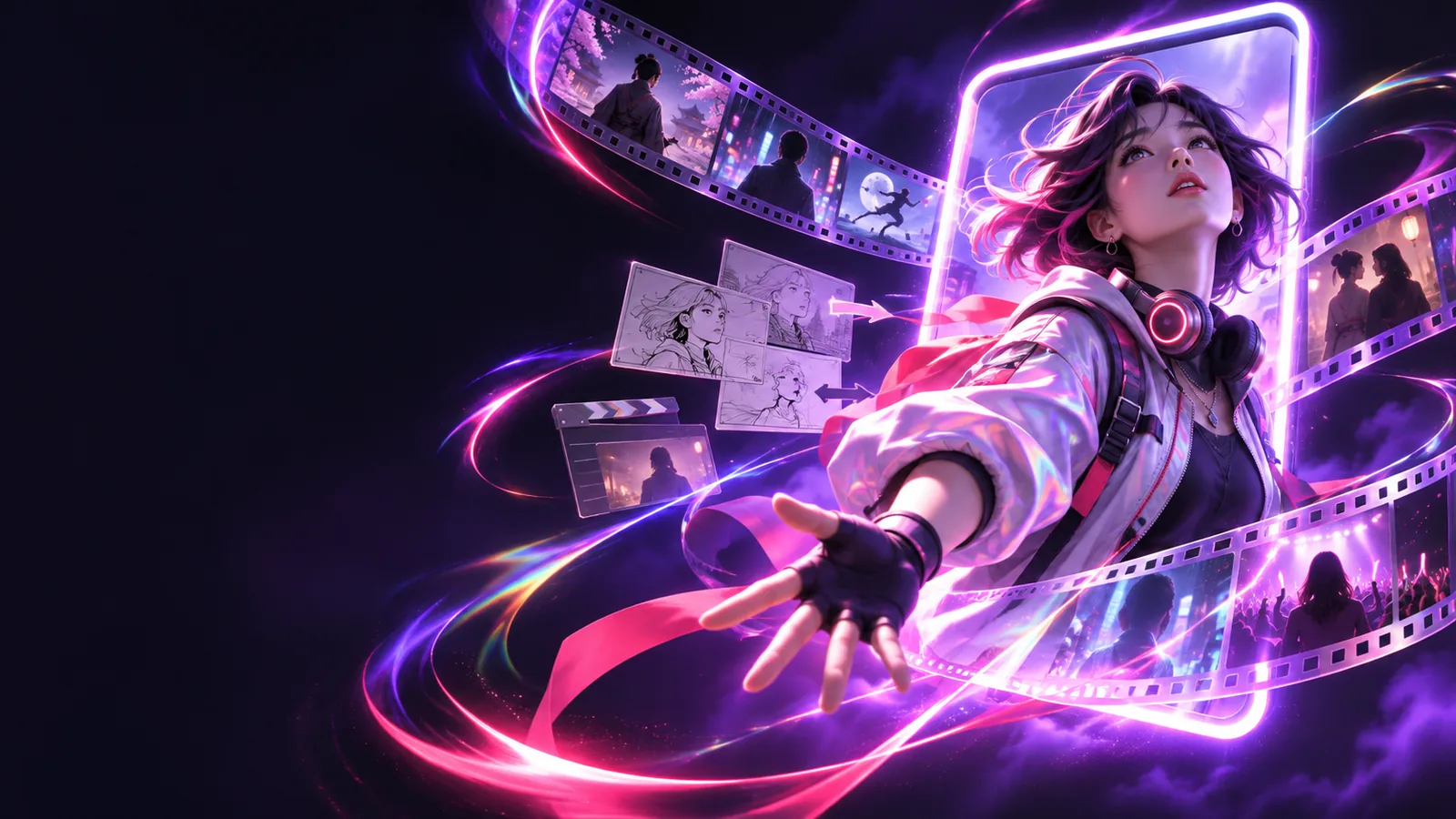
Before opening the roboneo workspace, decide what the viewer should notice first. These starting points help different creators write a usable brief without overloading it.
Describe the subject, setting, camera movement, and emotional beat in one compact prompt.
You get a clearer first pass that is easier to compare against the intended shot.
Start with one recognizable action and a simple vertical-friendly composition rather than a complete script.
The first draft gives you a focused visual idea to trim, caption, or rebuild.
Set the subject, environment, lighting, lens feeling, and movement before adding stylistic adjectives.
Reviewers can judge the core shot before debating surface details.
Name the character's defining features and one visible action, then keep the background secondary.
The generated scene keeps attention on the character and its continuity cues.
These example prompts show how to move from a concrete subject to a cinematic result. Copy one, then replace the subject, setting, or action while keeping the structure.
A cinematic scene glowing with warm light, a solitary figure crossing the frame, slow camera drift, atmospheric depth
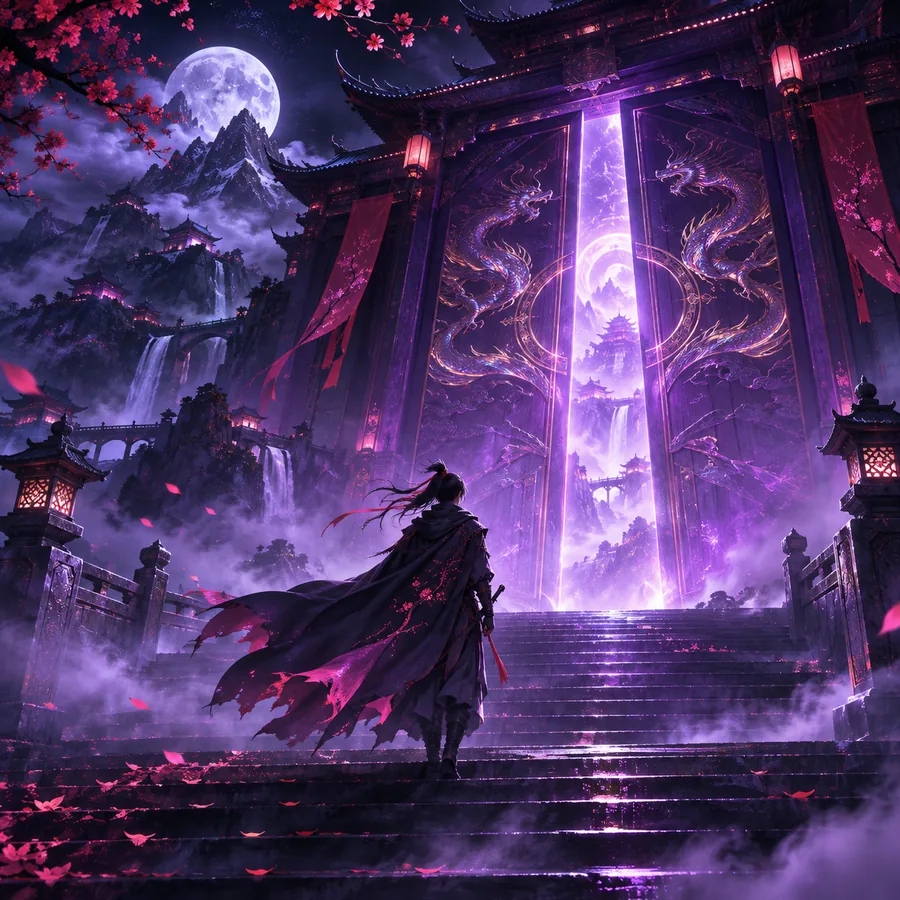 Mood
result
A curious cat entering a warmly lit room, cautious steps, gentle camera push-in, cozy shadows, expressive eyes
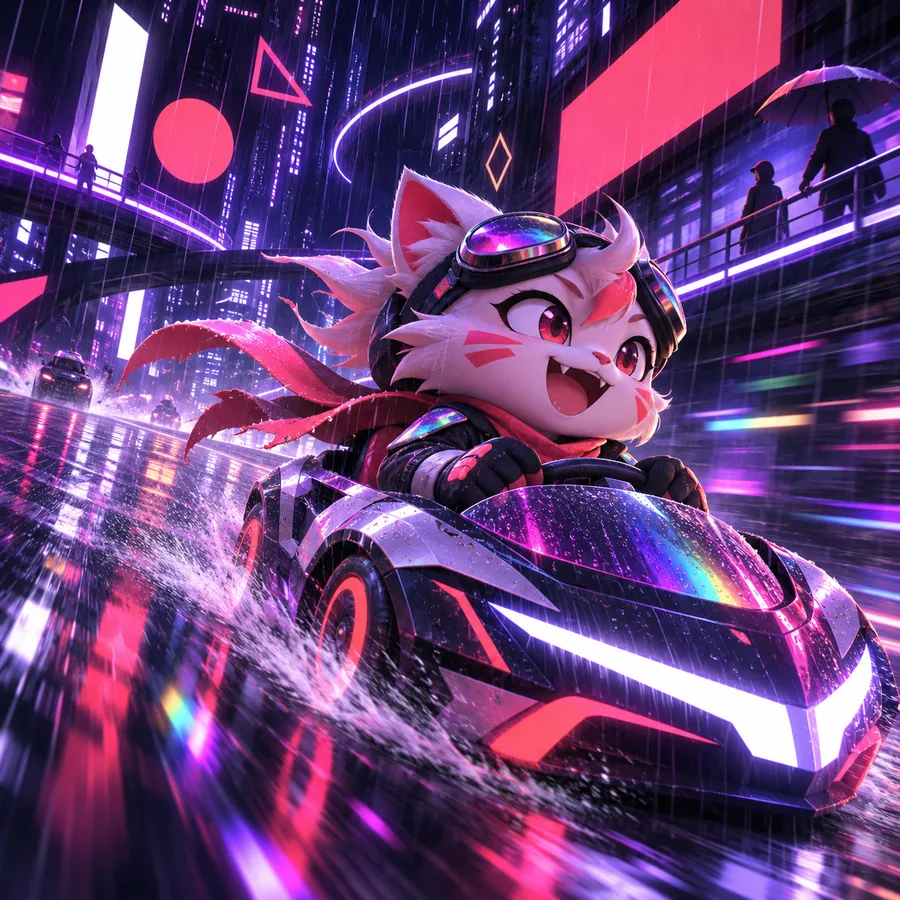 Story
result
A dramatic fashion scene beside tall modern architecture, fabric moving in the wind, low-angle tracking shot, editorial contrast
 Fashion
result
Keep the subject and action stable while changing one visual variable at a time.
A reliable roboneo process is short: define the shot, inspect the result, and refine only the part that missed the brief.
Name the subject, action, setting, light, and camera behavior. Put the most important visual information first.
Check subject identity, movement, framing, and mood separately. Do not rewrite everything when only one element is weak.
Change the action, camera, or environment in isolation, then compare the new result with the earlier draft.
A before-and-after comparison is most useful when the second prompt changes one deliberate choice instead of adding a long list of new instructions.
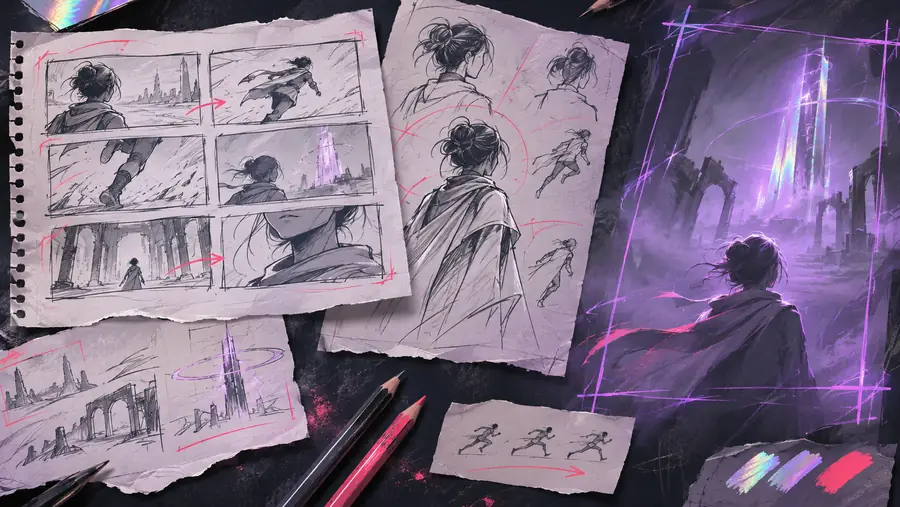
The useful change is not always more detail; it is often a clearer action or camera instruction.
First draftFocused refinementThe roboneo ai video generator is easier to evaluate when its boundaries are explicit. Treat these as practical checks, not reasons to make the prompt longer.
If the prompt never identifies who or what matters, the visual hierarchy can drift between drafts.
What to do instead
State the main subject first and describe one defining feature.
Small details such as accessories, hands, or repeated character features may vary from one result to another.
What to do instead
Use fewer defining details and review continuity before building a longer sequence.
A polished frame does not automatically provide a complete story, edit, or production plan.
What to do instead
Break the idea into individual shots with a clear action for each.
Requests for several camera moves, moods, and focal subjects at once can compete with one another.
What to do instead
Choose one dominant movement and one primary emotional direction.
Use this side-by-side view to choose how to begin a roboneo prompt. Both approaches are useful; the better choice depends on whether the visual idea or the movement matters most.
| Scene-first prompt | Motion-first prompt | |
|---|---|---|
| Best starting point | A distinct subject, place, or visual world | A clear action or camera movement |
| Prompt order | Subject, setting, light, then movement | Action, camera behavior, subject, then setting |
| Useful for | Mood boards and visual exploration | Action beats and shot planning |
| Main review check | Does the scene feel coherent? | Is the movement easy to read? |
| Common risk | A beautiful but inactive frame | Motion without a strong focal subject |
| Simple correction | Add one visible action | Name the subject and its key feature |
Choose a working style that matches the job. Each audience can use the same roboneo foundations while emphasizing a different review question.
Concepts
Use short scene-first prompts when the goal is to discover a look, location, or character direction before committing to a sequence.
Shots
Use motion-first prompts when the shot already has a job in the edit. Describe what moves and how the camera observes it.
Reviews
Give reviewers a stable reference by changing one variable at a time. This makes it easier to discuss the result without debating several changes at once.
Bring a subject, an action, and a visual direction to the roboneo workflow. Start with the console, then refine the result against the shot you actually want to make.
Answers to common questions about using a roboneo ai video generator workflow.
It is a prompt-led workflow for turning a described scene into a visual video draft. The strongest starting point names the subject, action, setting, lighting, and camera behavior.
Begin with the most important subject and visible action, then add the setting, mood, and camera direction. Keep the first version focused so you can tell which part needs refinement.
A single prompt is best treated as a starting draft rather than a complete production plan. Longer work usually benefits from separate shots, continuity checks, and review of each result.
Conflicting instructions, several focal subjects, or vague movement can change the visual priority. Simplify the prompt, choose one dominant action, and revise one variable at a time.